Is my WordPress site affected? A 2026 plugin vulnerability checklist
By JY.Choi
Three WordPress plugins had critical vulnerabilities disclosed in 2026: Elementor Pro, All-in-One WP Migration and Backup, and Everest Forms. If you run any of them, the fix is almost always the same — update to the version listed below, or deactivate the plugin until you can.
Key takeaways
- Elementor Pro versions through 4.2.1 are vulnerable (CVE-2026-32475); the fix is 4.2.2 or later, released 2026-08-06 (Elementor changelog).
- All-in-One WP Migration and Backup versions through 7.109 are vulnerable (CVE-2026-19949); the fix is 7.110 or later (NVD).
- Everest Forms versions through 3.4.3 are vulnerable (CVE-2026-3296); the fix is 3.4.4 or later (NVD).
- A CVE number identifies one specific flaw; a CVSS score (0–10) rates how severe it is. All three flaws above score 8.8 or higher.
In this guide
- What a CVE and CVSS score mean
- Elementor Pro
- All-in-One WP Migration and Backup
- Everest Forms
- How to find your installed version
- If you can’t update right now
- Where to verify these details yourself
- Bottom line
What a CVE and CVSS score mean
A CVE (Common Vulnerabilities and Exposures) number identifies one specific, documented security flaw, assigned once by a recognized authority such as NVD, the U.S. National Vulnerability Database (NVD). Each CVE also gets a CVSS (Common Vulnerability Scoring System) base score from 0 to 10, where a higher number means a more severe flaw. All three plugin flaws in this checklist score 8.8 or above.
This checklist is not a warning that your site is under attack. It’s a way to check three dated, published facts against your own site: which plugins you run, which version you’re on, and whether that version falls inside an affected range.
Elementor Pro
Elementor Pro is vulnerable to unrestricted upload of a dangerous file type in every version through 4.2.1, fixed in 4.2.2, tracked as CVE-2026-32475 (NVD). NVD scores this flaw 9.0 out of 10; WPScan’s own listing for the same fix scores it as high as 9.8 (WPScan). Elementor’s own changelog dates the 4.2.2 release to 2026-08-06 (Elementor changelog).
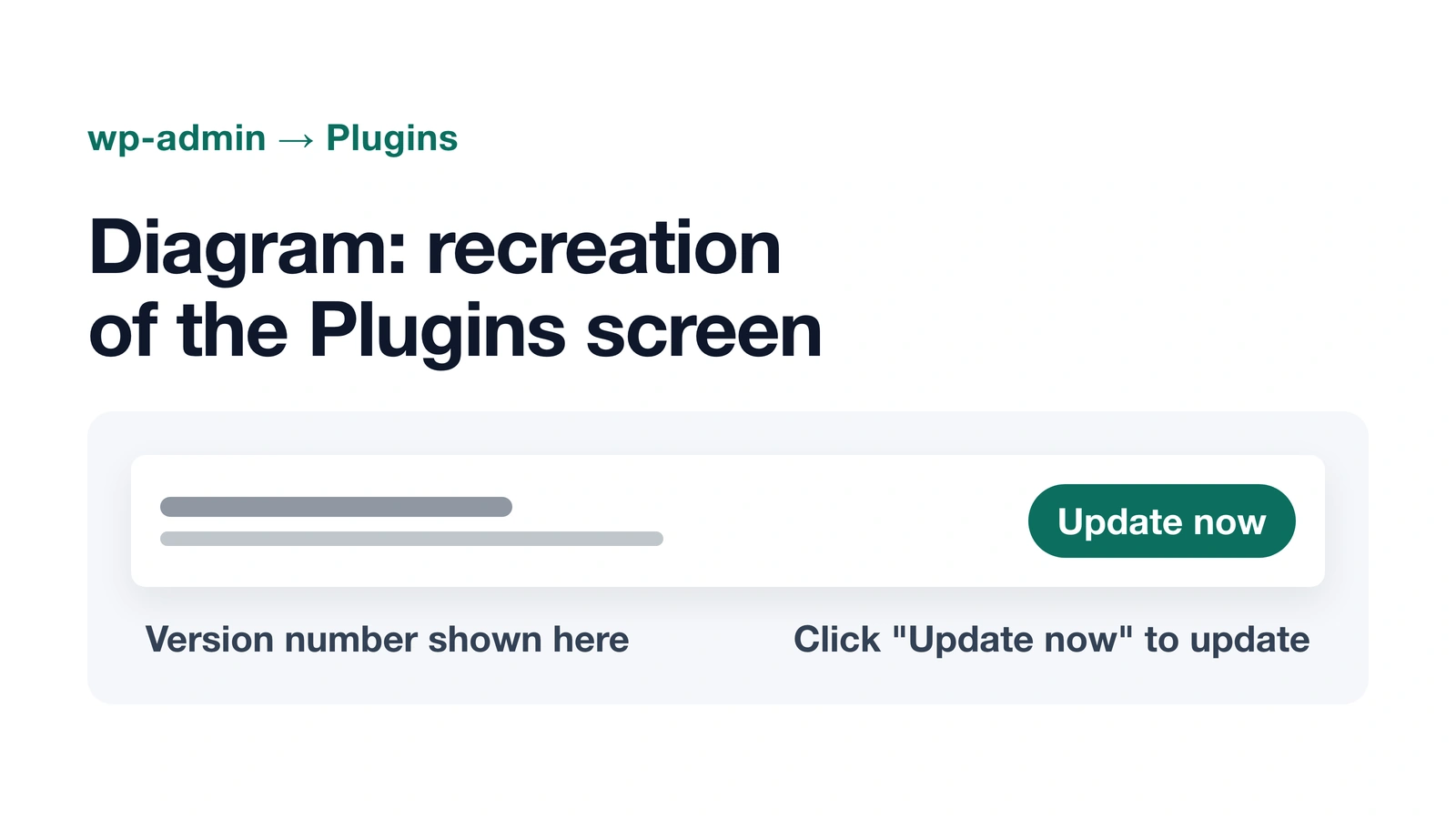
Elementor Pro is not distributed through the free wordpress.org plugin directory — searching wordpress.org for “elementor-pro” only returns the separate free “Elementor Website Builder” plugin (wordpress.org). Check your version from inside wp-admin, not from a wordpress.org listing.
All-in-One WP Migration and Backup
All-in-One WP Migration and Backup is vulnerable to SQL injection through its archive-restore feature in every version through 7.109, fixed in 7.110, tracked as CVE-2026-19949 (NVD). NVD scores it 8.8 out of 10, and Patchstack’s database entry for the same flaw flags it as known to be exploited (Patchstack). The plugin’s current stable version on wordpress.org is 7.110, with 5 million or more active installs (wordpress.org).
Everest Forms
Everest Forms is vulnerable to PHP object injection through deserialization of untrusted form-entry metadata in every version through 3.4.3, fixed in 3.4.4, tracked as CVE-2026-3296 (NVD). NVD scores this one 9.8 out of 10, the highest of the three. Everest Forms’ current stable version on wordpress.org is 3.6.1, well past the 3.4.4 fix, with 90,000 or more active installs (wordpress.org).
Some coverage of a different 2026 CVE, CVE-2026-19598, describes it as an Everest Forms flaw. NVD’s own record for that CVE lists the affected product as “Pods – Custom Content Types and Fields,” a separate, unrelated plugin — not Everest Forms (NVD). If you’re checking your site against news coverage, CVE-2026-3296 is the correct 2026 Everest Forms flaw to look for.
How to find your installed version
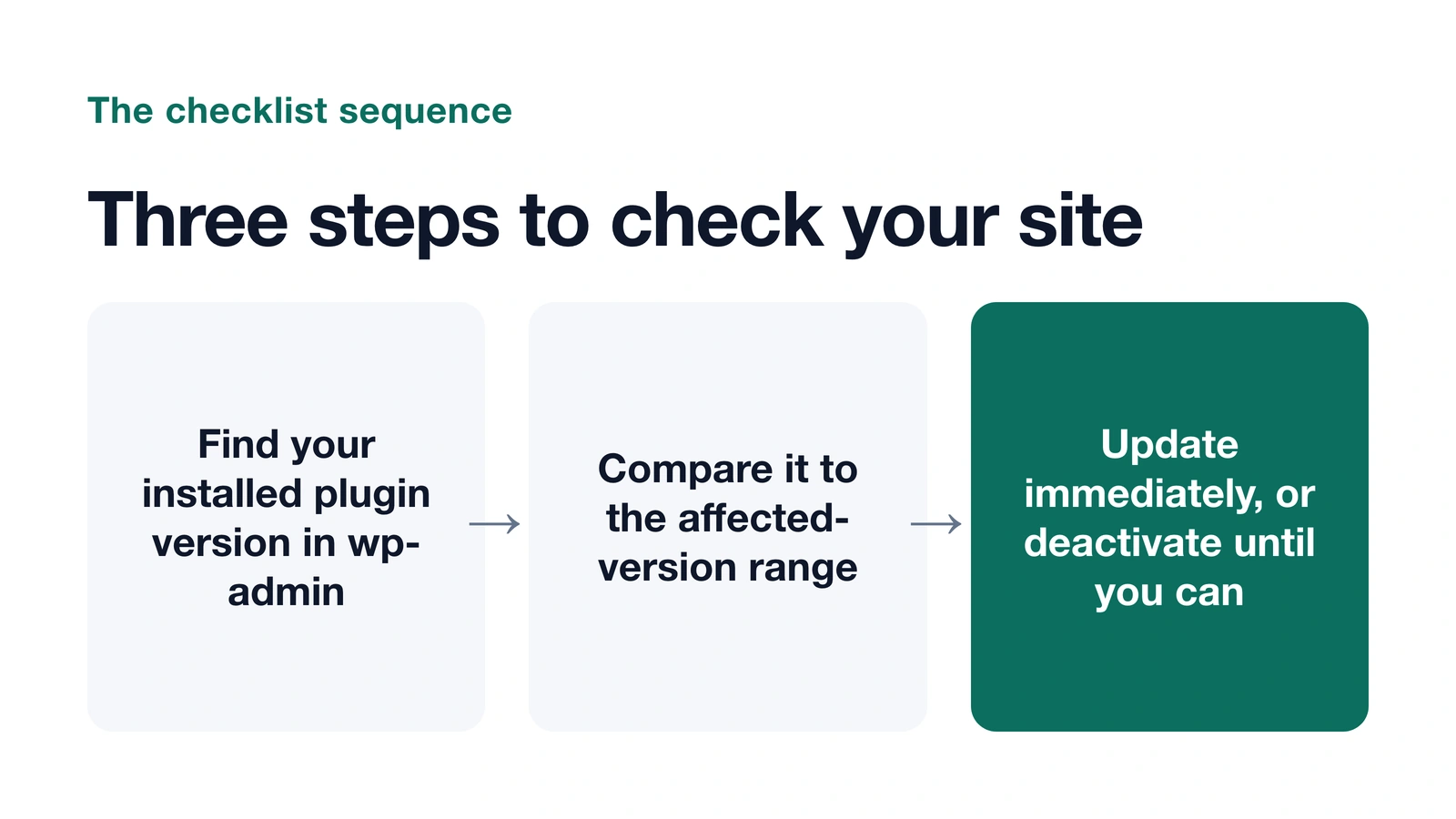
- Go to wp-admin → Plugins. Every installed plugin lists its current version number directly under its name.
- Compare that number to the affected ranges above. A version at or below the listed affected version means your site is exposed until you update.
- Click “Update now” if an update is available, or update from your account with the plugin vendor if it’s a paid, non-wordpress.org plugin like Elementor Pro.
- Check your host’s or security plugin’s activity log for anything unusual from around the time before you applied the update — that log is the best record of whether the flaw was used against your site before the fix went in.
If you can’t update right now
If an update isn’t available yet, or you can’t apply it immediately, deactivate the plugin from wp-admin → Plugins until you can. A deactivated plugin’s vulnerable code doesn’t run, even though the files stay on the server. How to check whether a WordPress plugin has a known vulnerability walks through checking any other plugin the same way, using these three CVEs as worked examples.
Where to verify these details yourself
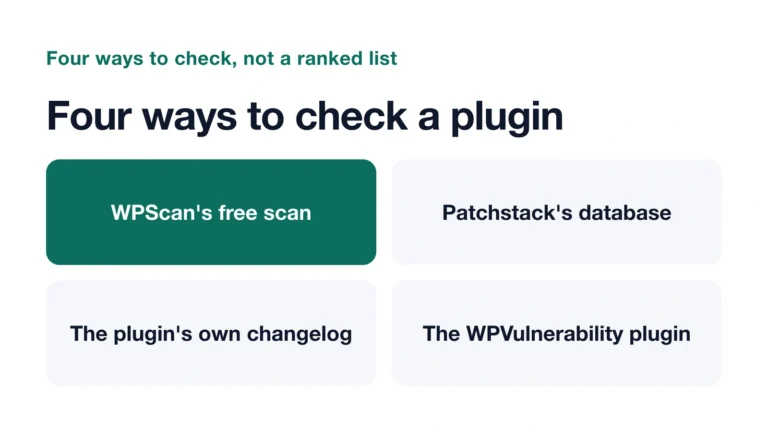
Every fact in this checklist traces to a named source, not a secondhand summary: NVD’s own CVE records, each plugin’s own changelog, and the free, searchable databases run by WPScan (WPScan) and Patchstack (Patchstack). Checking a claim yourself takes one search on any of these.
Bottom line
All three plugin flaws in this checklist have a published fix: Elementor Pro 4.2.2, All-in-One WP Migration and Backup 7.110, and Everest Forms 3.4.4. Check your installed version in wp-admin, update if you’re behind, and deactivate first if you can’t update right away. None of this means your site has been compromised — it means these specific versions carry a documented, fixable flaw.
How AI was used: Claude researched this post using NVD’s, WPScan’s, and Patchstack’s own vulnerability records, wrote it, and made two diagrams, including a recreation of a nichestead.com admin screen. JY.Choi, the site’s owner, set the editorial rules; no person reviews posts before they go live.