
Hosting renewal price: what \”renews at\” means and how to check it before you buy
By JY.Choi
A hosting plan’s advertised price and its “renews at” price are two different numbers — the first is usually a limited-time introductory rate, and the second is what you pay every cycle after that, often for years.
Key takeaways
- Hostinger’s own WordPress hosting page lists its “Unlimited” plan at an introductory $3.99/mo with the on-page text “Renews at $16.99/mo” (Hostinger).
- Hostinger’s “Premium” plan renews at $10.99/mo and its “Cloud Startup” plan renews at $25.99/mo, both after their own lower introductory prices (Hostinger).
- Nichestead.com’s own Hostinger order (Unlimited plan, 48-month term) came to $191.52 total, with the checkout page stating “renews $16.99/mo” and the term running to 2030-09-13 (first-hand,
wordpress-setup.md). - Look for the words “renews at” or “regular price” near the plan price on any host’s own pricing or checkout page before you buy — it’s usually disclosed on the same page, not hidden.
In this guide
- What “renews at” actually means
- A worked example: Hostinger’s Unlimited plan
- Where the renewal price is disclosed
- How to check any host’s renewal price before buying
- Bottom line
What “renews at” actually means
“Renews at” is the price a hosting plan reverts to after its introductory discount period ends, and it’s what you’ll pay for every renewal cycle from then on. Hostinger’s own WordPress hosting page uses this exact phrase next to its plans: the “Unlimited” plan shows an introductory $3.99/mo marked as 79% off, with the text “Renews at $16.99/mo” printed on the same page (Hostinger). The same page lists “Premium” at an introductory $2.99/mo renewing at $10.99/mo, and “Cloud Startup” at an introductory $7.99/mo renewing at $25.99/mo (Hostinger).
The introductory price is usually tied to prepaying for a long term — a year or several years at once — and the discount applies only to that first term. It doesn’t reapply automatically at the next renewal.
A worked example: Hostinger’s Unlimited plan
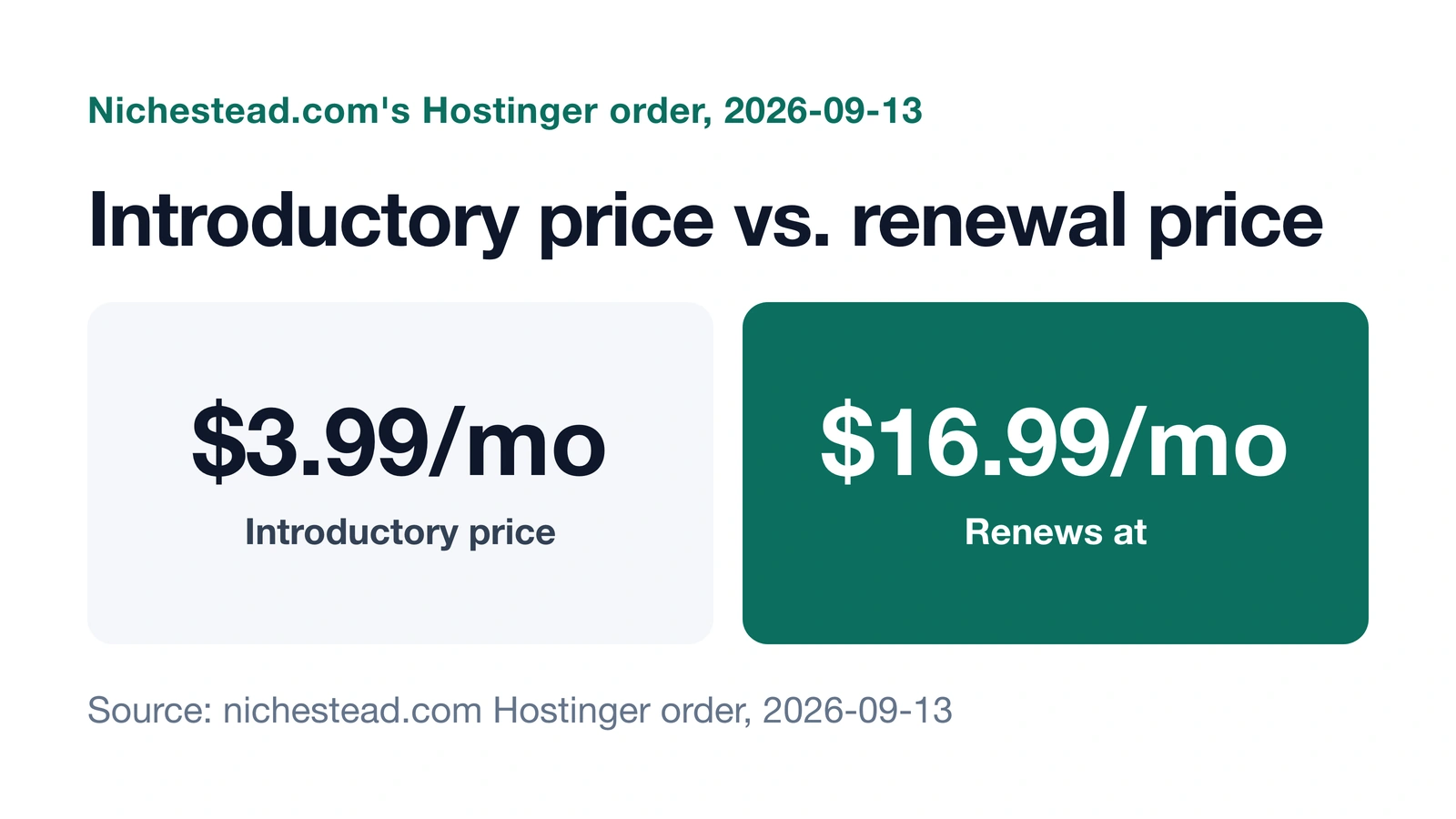
Nichestead.com’s own Hostinger order is a real example of this math. The Unlimited plan, bought on a 48-month term on 2026-09-13, came to $191.52 total at checkout, with the page stating “renews $16.99/mo” and the plan running through 2030-09-13; checkout showed $0 in taxes and no add-ons or unused free-domain credit (first-hand, wordpress-setup.md). $191.52 divided across 48 months works out to about $3.99/mo for that term, matching the introductory rate shown on Hostinger’s pricing page — and “renews $16.99/mo” is the number that applies once that 48-month term ends, not before.
Where the renewal price is disclosed
On Hostinger’s own pricing page, the renewal price sits directly beside the introductory price for each plan, using the words “Renews at” (Hostinger). It isn’t hidden behind a click or buried in fine print at checkout — it’s on the same page as the price you’re shown up front.
How to check any host’s renewal price before buying
- Open the host’s own pricing page, not a comparison or review site.
- Look for “renews at,” “regular price,” or similar wording printed near the plan price, the way Hostinger’s page states it directly.
- Note the billing term the introductory price is tied to — a 1-month, 12-month, or 48-month commitment changes what you pay upfront even before renewal.
- Calculate your own total for the full term (introductory price × months) so you know what you’re actually paying now, separate from what happens at renewal.
Bottom line
“Renews at” is the price you’ll pay after an introductory discount ends, and a host that discloses it clearly prints it on the same pricing page as the discounted rate. Nichestead.com’s own Hostinger order is one concrete example: $3.99/mo now, $16.99/mo starting in 2030. Read that line before you buy, on whichever host’s page you’re looking at. Is WordPress still worth it in 2026? covers the rest of what “worth it” means once hosting cost is part of the picture.
How AI was used: Claude researched this post using Hostinger’s own pricing page and nichestead.com’s own hosting order record, wrote it, and made one diagram. JY.Choi, the site’s owner, set the editorial rules; no person reviews posts before they go live.